Features
Category Features
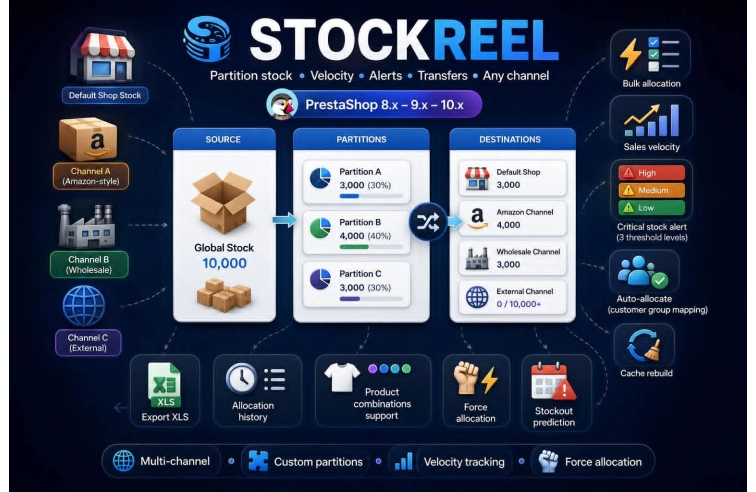
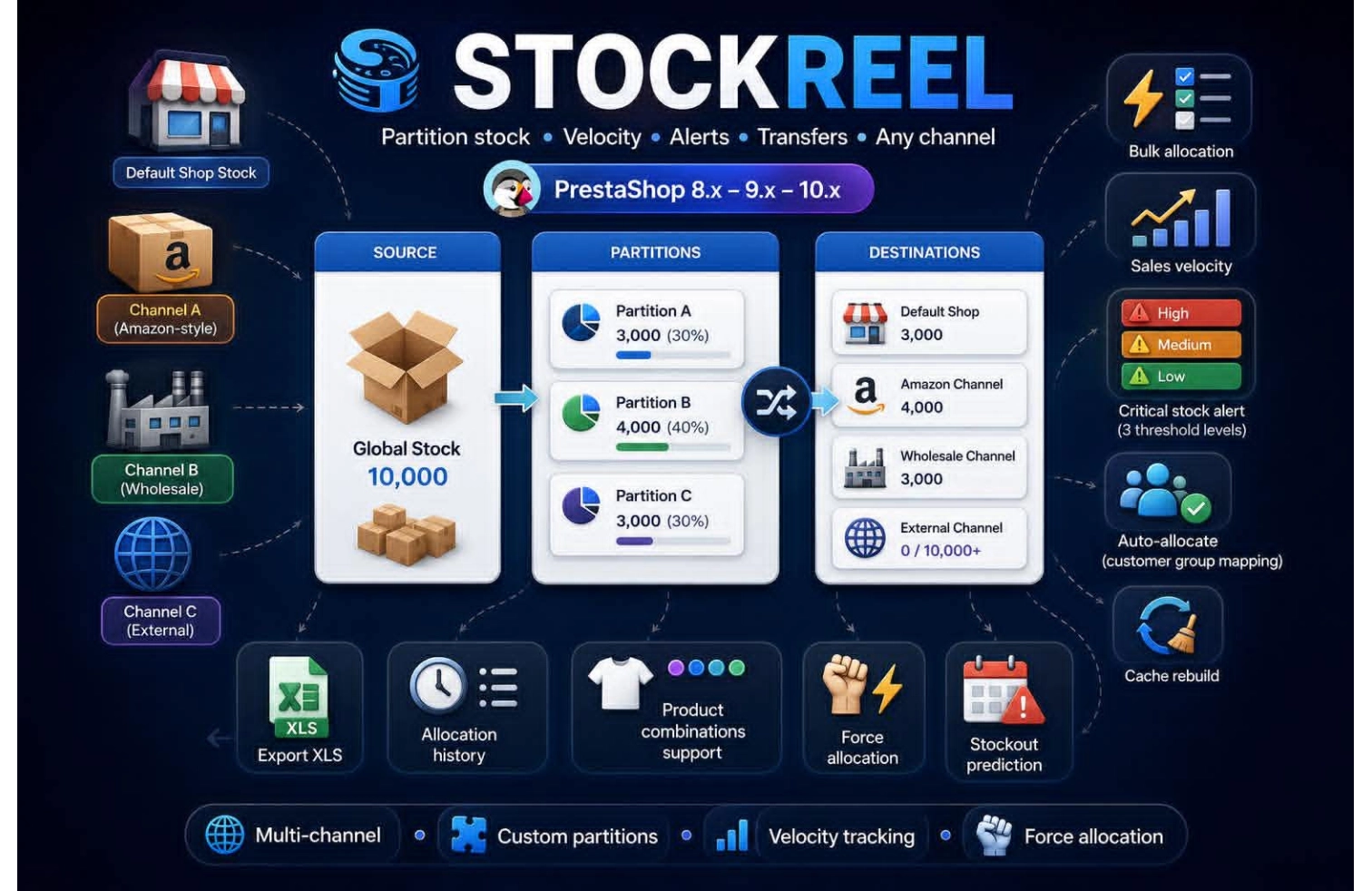
Stock Partitioning Create unlimited custom partitions (Amazon, wholesale, events, store, external)
Allocation Bulk allocate stock to any partition with category/brand filters
Real‑time Availability Available = Physical − Allocated (automatic calculation)
Combinations Support Full support for product combinations (size, color, etc.)
Stock Alerts Critical / Low stock visual alerts (customizable thresholds)
Sales Velocity Daily sales calculation based on order history
Stockout Prediction Days until stockout based on current velocity
Stock Transfers Move stock directly between any two partitions
Force Allocation Allocate from physical stock when needed
Customer Mapping Assign customers to specific partitions (auto-deduction on order)
Audit Log Complete history of all allocations, transfers, sales
Export XLS export with product prices (TTC/HT)
Cache System Fast dashboard loading even with large catalogs
Multi‑shop Ready Works with PrestaShop multi‑shop
Hooks Auto‑sync stock when PS stock changes
⚙️ How It Works
1. Install & Configure
Install StockReel via OpenPresta module
Run "Initialize Stock to Magasin" – all existing stock is moved to default "Shop" partition
2. Create Partitions
Create custom partitions: Amazon FBA, Wholesale, Tournament, Club, External, etc.
Each partition has a name, type, color, and optional description
3. Allocate Stock
From dashboard, select products (with combinations)
Choose quantity and target partition
Stock is moved from Shop → Partition
Available stock = Physical − Allocated (real-time)
4. Track Sales & Alerts
Monitor available stock per product
Daily velocity shows how many units sell per day
Stockout prediction = Available / Velocity
Red alert = Critical stock (≤3), Yellow = Low stock (≤10)
5. Transfer & Return
Transfer stock directly between partitions
Return unused stock to Shop with one click
6. Auto‑Allocation (Advanced)
Map customers to specific partitions
When customer orders, stock auto‑deducts from their partition
If partition has insufficient stock, remaining comes from Shop
📦 What's Included
Full PrestaShop module (PHP 7.4 → 8.5 compatible)
Admin dashboard with filters & bulk actions
Stock reception page (add physical stock + allocate)
Transfer management page
Customer mapping interface
Export XLS with prices (TTC/HT)
Complete audit log
Multi‑language ready (French/English emails)
Target Audience
Merchant Type Why StockReel?
Multi‑channel sellers Separate stock for Amazon, website, physical store
B2B wholesalers Reserve stock for specific business customers
Event organizers Track stock allocated to tournaments, fairs, pop‑up stores
Clubs & associations Manage stock for club members separately
Resellers / distributors Allocate stock to external partners