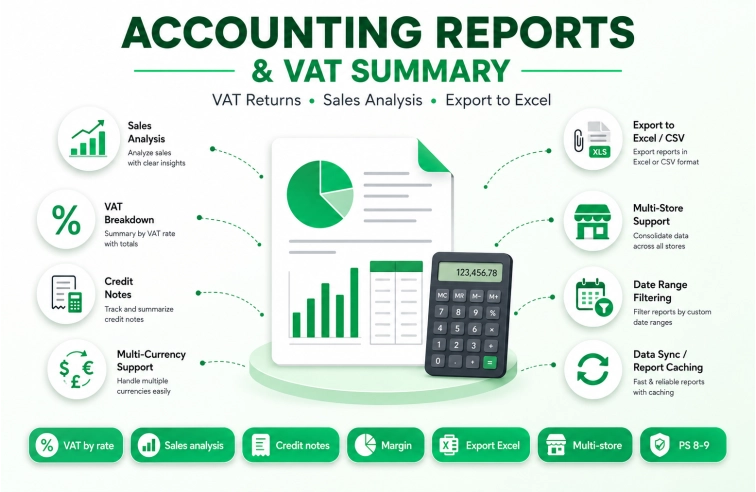
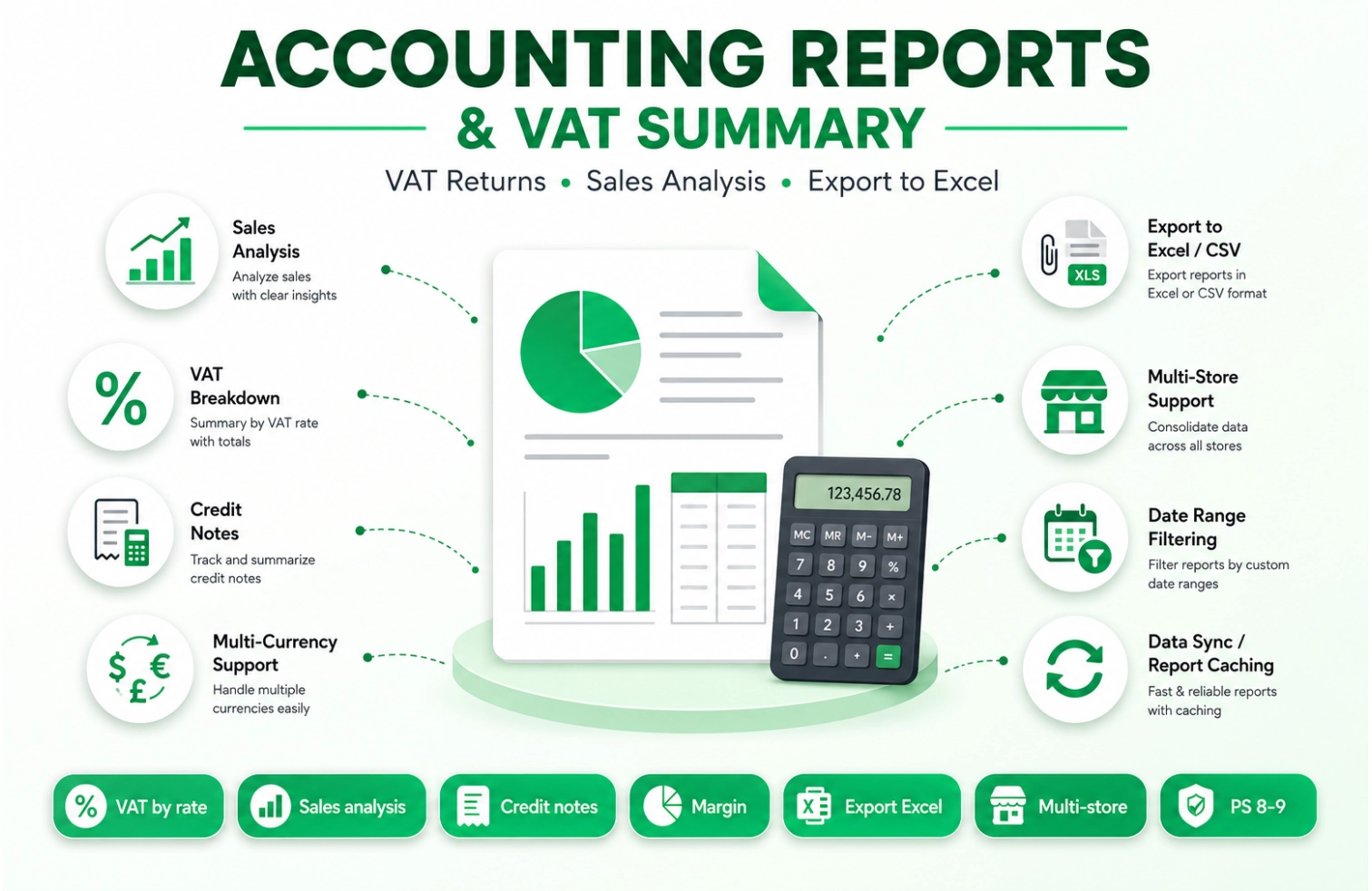
Stop manually calculating VAT and exporting incomplete reports from PrestaShop. Every tax declaration requires accurate sales breakdowns, VAT by rate, shipping taxes, and credit notes — our module generates them automatically with real-time totals and export to Excel.
What Does This Module Do?
✓ Complete VAT breakdown by tax rate — show HT, TVA, and TTC for each rate
✓ Sales analysis by period — group by year, month, day, order, payment method, country, carrier, or customer group
✓ Credit notes tracking — full history of returns, refunds, and credit slips
✓ Margin calculation — net profit = sales HT minus purchase cost (with product purchase price tracking)
✓ Multi-currency support — select any active currency for report display
✓ Export to Excel/CSV — one-click download for accounting software integration
✓ Date analysis flexibility — choose between order date or invoice date for period filtering
✓ Real-time totals with consistency check — color highlighting when HT + VAT doesn't match TTC
One-click download for accounting software integration
analytics
Date Analysis Field
Choose between order date or invoice date for period filtering
currency_exchange
Multi-Currency Support
Select any active currency for report display
check_circle
Consistency Check
Automatic color highlighting when HT + VAT doesn't match TTC
🚀 How It Works
filter_alt
1. Select Period
Choose date range, currency, and grouping option
table_view
2. View Report
Complete breakdown with totals and consistency check
download
3. Export Data
Download CSV/Excel for accounting software integration
Frequently Asked Questions
❓ Is this module compatible with VAT exempt customers?
Yes. The module respects PrestaShop's native VAT exemption rules. If a customer or product is VAT exempt, the tax breakdown will correctly show 0% VAT on the affected lines.
❓ Does it work with multi-store?
Yes. The module is fully compatible with PrestaShop multi-store. Reports can be filtered by shop, and each store can have its own currency and reporting preferences.
❓ How accurate are the tax calculations?
100% accurate. The module uses PrestaShop's native order_detail_tax table, which stores the exact tax amount for each order line. No approximations — you get the same numbers as your invoices.
❓ Can I export reports for my accountant?
Absolutely. One-click export to CSV or Excel (XLS) format. Your accountant can open the file directly in Excel, Google Sheets, or any accounting software that accepts CSV import.
❓ What is the consistency check feature?
The module automatically verifies that HT + VAT = TTC for each row. If there's a mismatch (due to rounding or discounts), the cell is highlighted in red so you can identify potential calculation issues.
❓ Does it support credit notes and refunds?
Yes. A dedicated "Credit Notes" report shows all order slips, with detailed breakdown of returned products, shipping refunds, and VAT adjustments.
❓ How is margin calculated?
Margin = Sales HT − (Product purchase price × quantity sold). The module uses the purchase_supplier_price field from order_detail (filled by PrestaShop at order time). Enable the "Include Margin" option in settings.
❓ What support is included?
6 months of technical support and updates. Support via ticket system. Documentation included in the module zip file.
PS 9.xJuin 12,2026
Accounting Reports & VAT Summary for PrestaShop
Generate VAT returns, sales analysis, and financial reports directly from your PrestaShop store. Export to Excel for your accountant.