laptop Live Demo & Resources

person Demo Credentials:

mail Email: demo@myprestastore.com

lock Password: demopresta2026

info Works for Front Office & Back Office

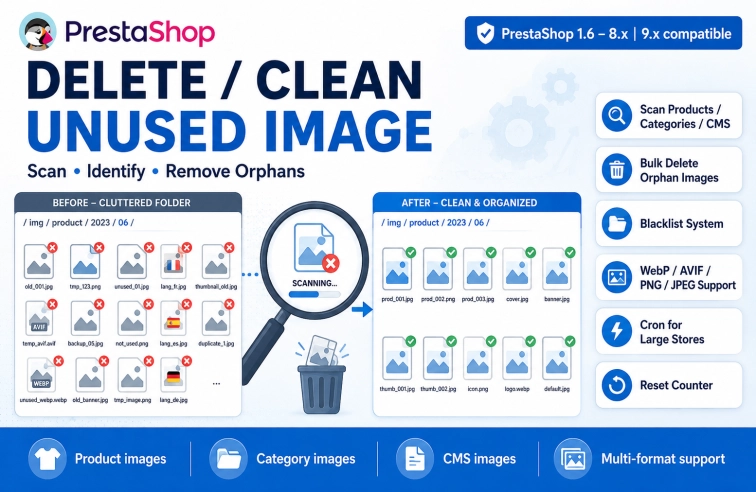
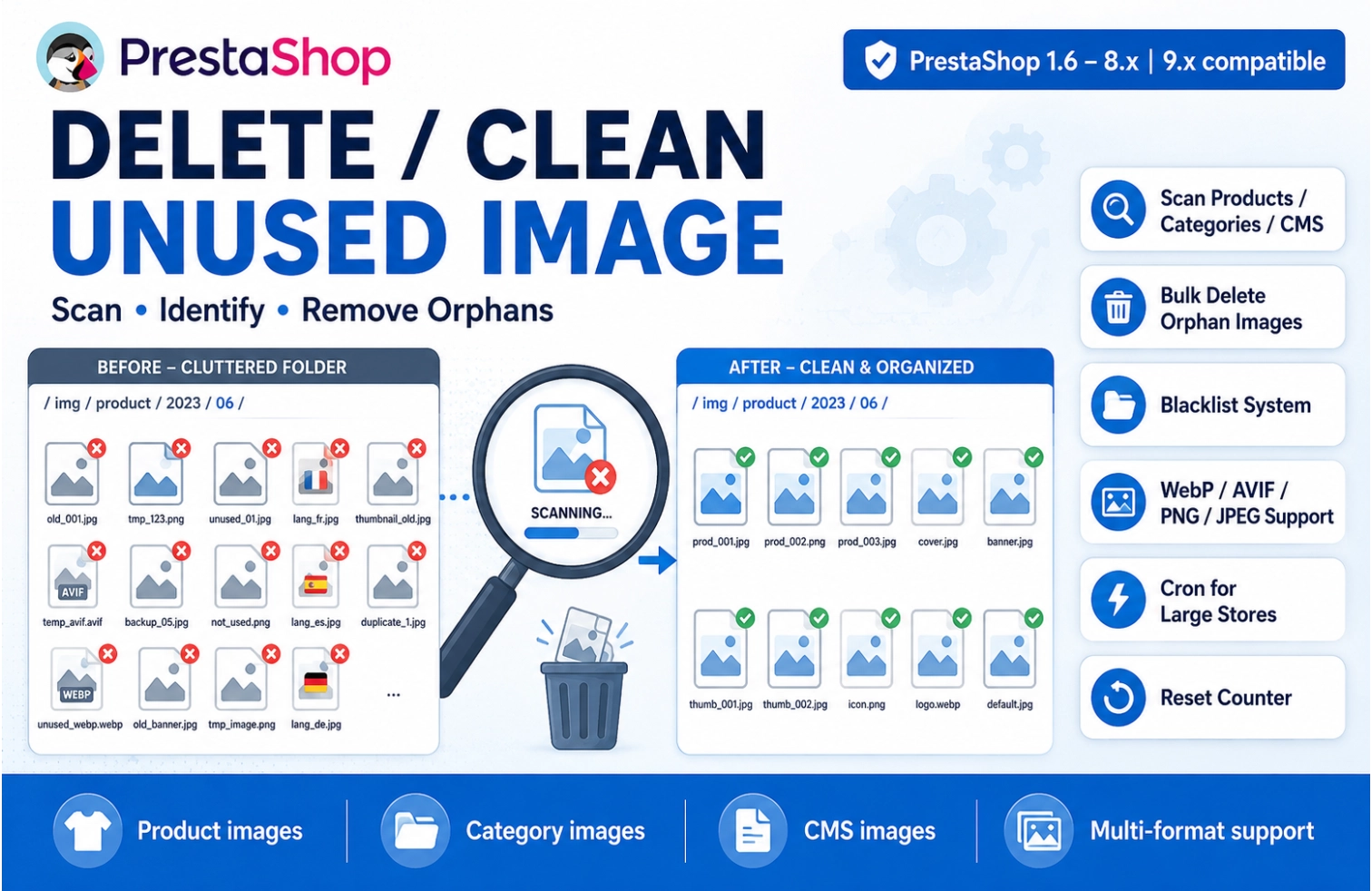
Stop wasting server space on orphan images. Every deleted product, category, or CMS page leaves behind image files that are no longer used. Our module scans, identifies, and safely removes every orphan image — giving you a lighter, faster, and cleaner PrestaShop.

What Does This Module Do?

  • ✓ Scans Product images (/img/p/) for orphans from deleted products
  • ✓ Scans Category images (/img/c/) for leftover thumbnails
  • ✓ Scans CMS/Upload images (/img/cms/) no longer referenced
  • ✓ Compares files against your database, theme CSS, and module files
  • ✓ Shows thumbnail preview before deletion
  • ✓ Deletes safely with confirmation dialog

What's Included

  • ✓ Main module class (opdeleteunusedimage.php)
  • ✓ Admin controller for clean interface
  • ✓ Cron execution file for automatic cleaning
  • ✓ Database install/uninstall scripts
  • ✓ SweetAlert2 for safe confirmations
  • ✓ Comprehensive documentation
Language flags are automatically protected — fr.jpg, de.jpg, en.jpg are NEVER deleted!
search
One-Click Scan

Products, categories & CMS in one click

visibility
Preview Before Delete

Thumbnail preview of every image

shield
Blacklist System

Protect folders/files with wildcards

schedule
Cron Support

Automatic cleaning for large stores

image
Multi-Format Support

JPG, PNG, GIF, WebP, AVIF

delete_sweep
Bulk Delete

Delete multiple images with confirmation

cleaning_bucket
Flush TMP

One-click cleanup of img/tmp folder

refresh
Reset Counter

Restart fresh scan anytime

🚀 How It Works

search

Scan

Click Sync Product/Category/CMS

visibility

Preview

Review thumbnails before deletion

delete_forever

Delete

Free server space permanently

Technical Specifications

🛒 Platform Compatibility

✓ PrestaShop 1.6✓ PrestaShop 1.7✓ PrestaShop 8.x✓ PrestaShop 9.x

⚙️ Server Requirements

PHP Version7.2 - 8.3✓ Compatible
MySQL / MariaDB5.7+ / 10.2+✓ Compatible
Memory Limit128MB minimum256MB+ recommended
Disk Space~1 MB (module files)✓ Minimal

🖼️ Image Formats Supported

JPGJPEGPNGGIFWebPAVIF
💡 Pro tip: Each format can be enabled/disabled independently in module configuration.

Version History & Release Notes

Current stable version: v4.0.1

VersionRelease DatePrestaShopChanges
v4.0.12024-07-231.6 - 9.xAVIF support, PHP 8.3 compatibility, bug fixes
v4.0.02024-05-101.6 - 8.xMajor: WebP support, cron improvements, UI refresh
v3.2.02023-11-151.6 - 8.xOrphaned images for inactive/deleted products option
v3.1.02023-08-201.6 - 8.xPNG & GIF support added
v3.0.02023-05-011.6 - 8.xInitial release with product/category/CMS scan

ℹ️ Customers with active license receive all updates automatically via PrestaShop backoffice.

Frequently Asked Questions

❓ Is it safe to delete unused images?
Yes — the module only identifies images NOT referenced in your database, theme CSS, or module files. You preview every image before deletion. The blacklist feature adds extra protection. Always backup before first use.
❓ Does it work with WebP and AVIF images?
Absolutely. You can enable/disable each format in configuration. When enabled, the module scans for orphan files of those formats alongside standard JPG, PNG, and GIF.
❓ Can I recover deleted images?
No — deletions are permanent using PHP's unlink(). Always review scan results carefully and keep regular server backups. The thumbnail preview helps prevent accidental deletions.
❓ Will this slow down my store during scan?
No. Scan runs in admin panel background and does not affect front-office. For 50,000+ images, initial scan takes 30-60 seconds. Use cron mode for low-traffic hours.
❓ How to handle large stores with 50k+ images?
Use the cron feature. Configure your server's cron job to call the unique cron URL daily. Set "cron_max" to control how many images are deleted per execution (default: 10).
❓ Does it work with multi-language stores?
Yes, perfectly. The module automatically protects all two-letter language flags (fr.jpg, de.jpg, en.jpg, es.jpg, etc.). Your multilingual images are fully supported.
❓ What is the blacklist feature?
The blacklist protects specific folders or files from ever being deleted. Use wildcards (e.g., "p/*/logo.jpg" or "watermark/"). One pattern per line.
PS 1.7 PS 8.x PS 9.x
4.0.1

Delete & Clean Unused Images for PrestaShop

★★★★★4.8 (156 reviews)

Our module scans, identifies, and safely removes every orphan image — giving you a lighter, faster, and cleaner PrestaShop.

PS 1.7 PS 8.x PS 9.x
€49.99

Read our Refund Policy before buying

sync + €10.00/year maintenance & update

💰 Price Breakdown

maintenance & updates €49.99
6 months support included check FREE
Total First Year €49.99
Annual Maintenance : €10.00/year

Covers updates, security patches, and premium support.

PrestaShop Compatibility: PS 1.7 PS 8.x PS 9.x
Current Version: 4.0.1
verified 100% Satisfaction Guarantee
lock Secure Payment autorenew Easy Refund Policy support_agent Instant Support

Our module scans, identifies, and safely removes every orphan image — giving you a lighter, faster, and cleaner PrestaShop.