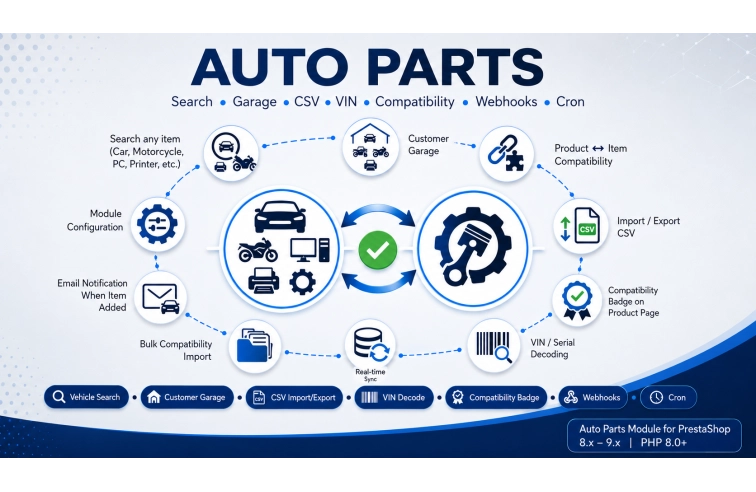
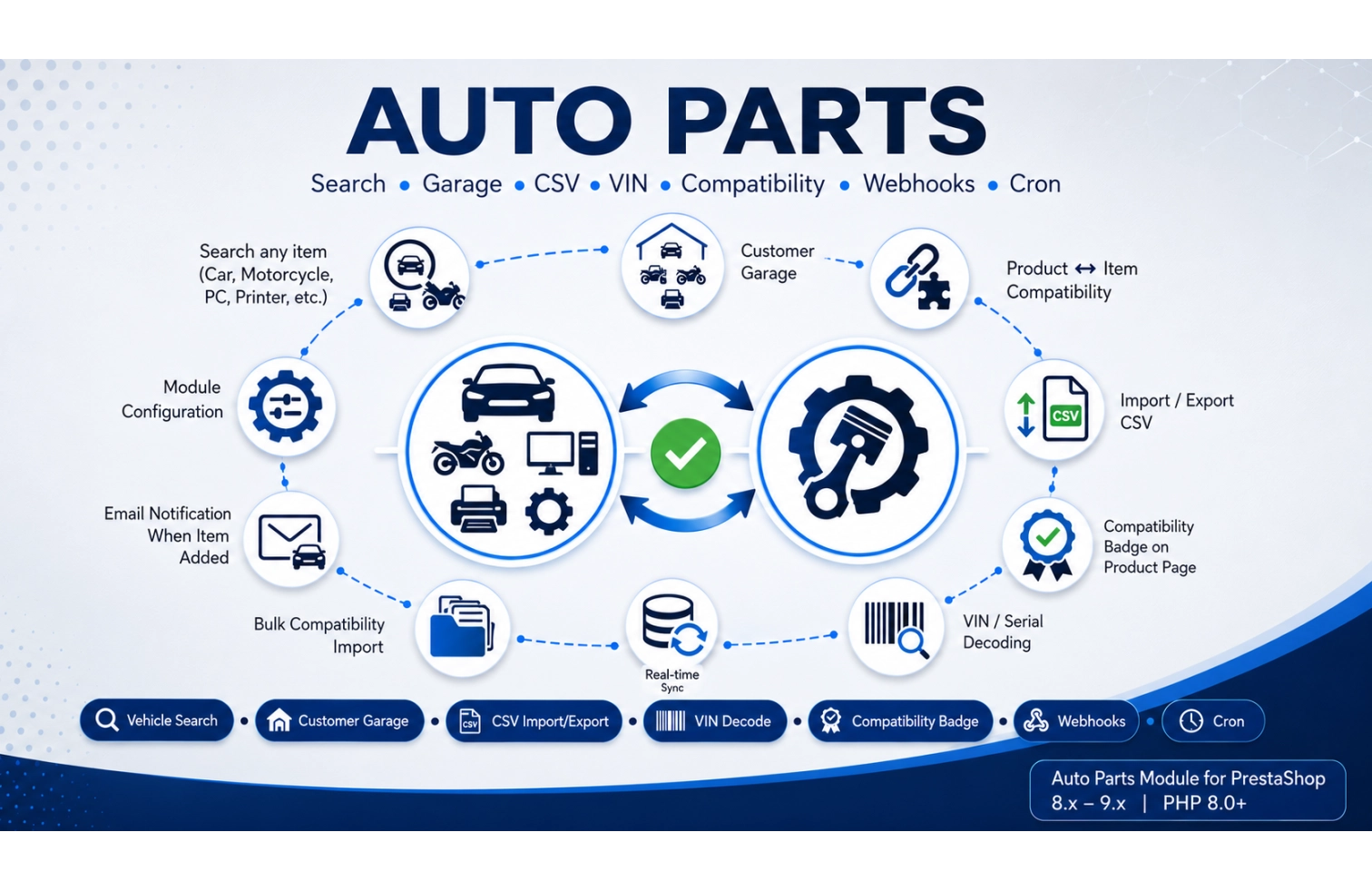
Stop manually managing which parts fit which vehicles — Auto Parts generates automatic compatibility between your products and vehicles with a hierarchical selector, compatibility badges, and a customer garage.
What Does This Module Do?
✓ Creates Vehicle Database with brands, models, years, and engine types
✓ Automatic compatibility between products and vehicles via feature system
✓ Customer Garage — save multiple vehicles, set current vehicle
✓ CSV Import/Export — bulk import/export compatibility data
✓ VIN Decoding — find vehicle by 17-character VIN number
✓ Compatibility Badge — shows "Fit" or "Not Fit" on product pages
✓ Search Filtering — products filtered automatically by selected vehicle
✓ Multi-store ready — different settings per shop
What's Included
✓ Main module class (opautoparts.php)
✓ Back-office controllers for vehicles, compatibility, import/export
✓ Front controllers for garage and vehicle search
✓ AJAX handlers for hierarchical selectors and VIN decoding
✓ CSV import/export with PapaParse library
✓ Database install/uninstall scripts (compatible with v1.x)
✓ Multi-language email templates
✓ Full documentation and support
✨Compatible with PrestaShop 8.x and 9.x — Native support for modern PrestaShop versions with PHP 8.x compatibility
inventory
Vehicle Database
Manage brands, models, years, engine types
link
Product Compatibility
Link any product to any vehicle
upload_file
CSV Import/Export
Bulk import with progress bar and logs
qr_code_scanner
VIN Decoding
Find vehicle by 17-character VIN
badge
Compatibility Badge
Visual "Fit / Not Fit" on product pages
garage
Customer Garage
Save and manage vehicles from account
translate
Multi-language
Vehicle names in all languages
webhook
Webhooks & Cron
Real-time sync and scheduled tasks
🚀 How It Works
inventory_2
1. Add Vehicles
Import vehicles or add manually. Define brands, models, years.
link
2. Link Products
Connect products to vehicles via CSV or manual interface.
shopping_cart
3. Sell More
Customers find compatible parts instantly. Badge builds trust.
ℹ️ Customers with active license receive all updates automatically via PrestaShop backoffice.
Frequently Asked Questions
❓ How does vehicle matching work?
The module uses PrestaShop's native feature system. Each vehicle is stored as a feature value. Products are linked to vehicles via the feature_product table. Front office filters products based on selected vehicle.
❓ Can customers save multiple vehicles?
Yes! Customers can save unlimited vehicles in their garage, select one as current vehicle, and filter products automatically.
❓ How do I import compatibility data?
Use the built-in CSV import tool. Format: product_id, brand, model, year_from, year_to, engine. Create missing vehicles automatically.
❓ Does it support VIN decoding?
Yes! Customers can enter a 17-character VIN to identify their vehicle automatically using NHTSA API or your own service.
❓ Can I customize the compatibility badge?
Yes! Change colors, text, position via settings. Override template by copying to your theme folder.
❓ Does it work with multi-store?
Yes! Each store has its own settings, vehicle database, and compatibility links.
❓ Is there a demo available?
Yes! Contact us for live demo access to test all features including vehicle search, garage, and CSV import.
❓ What support is included?
6 months technical support and updates. Support via ticket system, response within 24-48 hours. Documentation and video tutorials included.